Script and MP3 to SRT: one real run, with the numbers
By Yana Li · November 8, 2026 · 4 min read
A real 66-second test: a 141-word script and its MP3 voiceover turned into a 12-line SRT. What it cost, how long it took, how close the timing landed, and the limits.
Disclosure: I'm the founder of TimedSubs. This is my own test of my own product, not a neutral review. I used AI as a drafting assistant for the text; the run, the numbers, and the screenshots are from a real job on the live site on November 8, 2026.
People keep asking me the same question in different words: "I already have the script and the voiceover. How do I get an SRT without typing the timestamps myself?" Instead of describing the answer, I ran it once on the live product and wrote down everything, including the parts that are not impressive.
Here is the whole run in one minute; the subtitles in the video are the SRT from this test:
What went in
- Script: 141 words of English, seven short paragraphs, pasted as plain text.
- Voiceover: a 66-second MP3 of that exact script, read by a text-to-speech voice.
I generated the voiceover one paragraph at a time and joined the pieces with short gaps, so I know exactly where each paragraph starts in the audio. That gave me a way to check the result that does not depend on my ears.
The run, step by step
- Opened Script to Subtitles, pasted the script, and chose the MP3.
- TimedSubs measured the audio and asked me to confirm 2 Timing Minutes. A 66-second file costs two minutes because usage rounds up to the next whole minute.
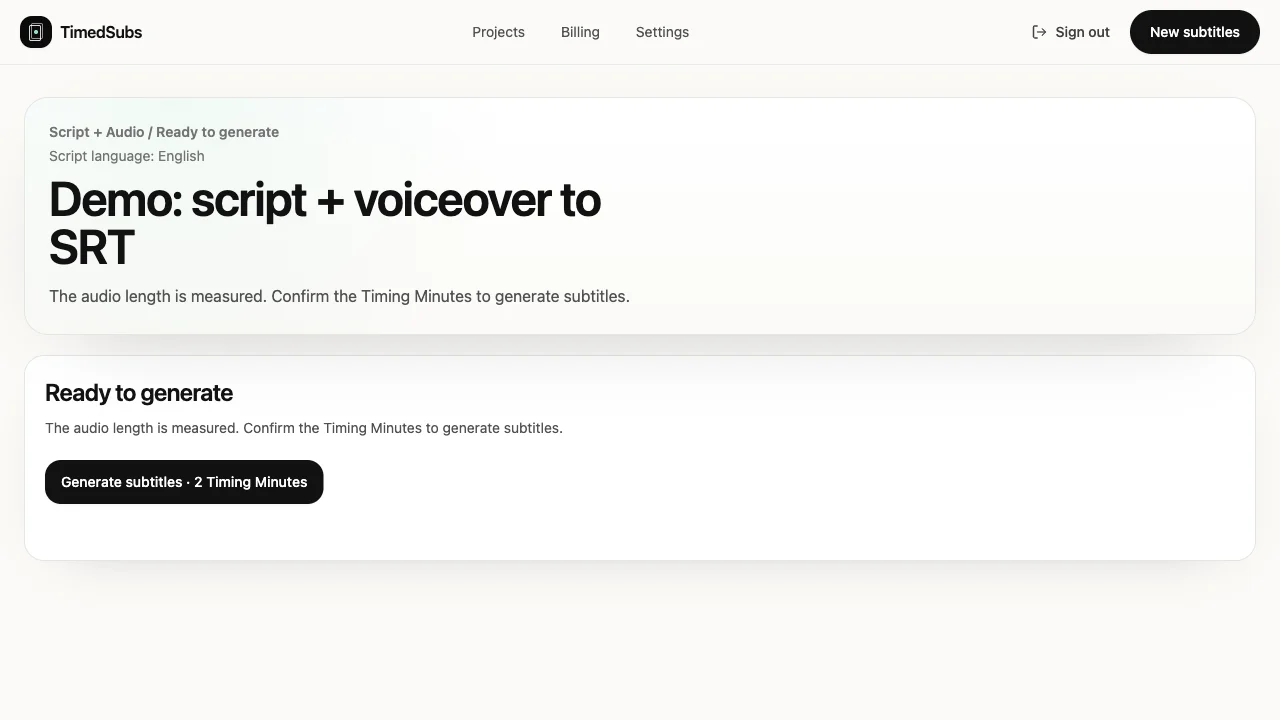
- About 46 seconds after I confirmed, the project said the subtitles were ready.
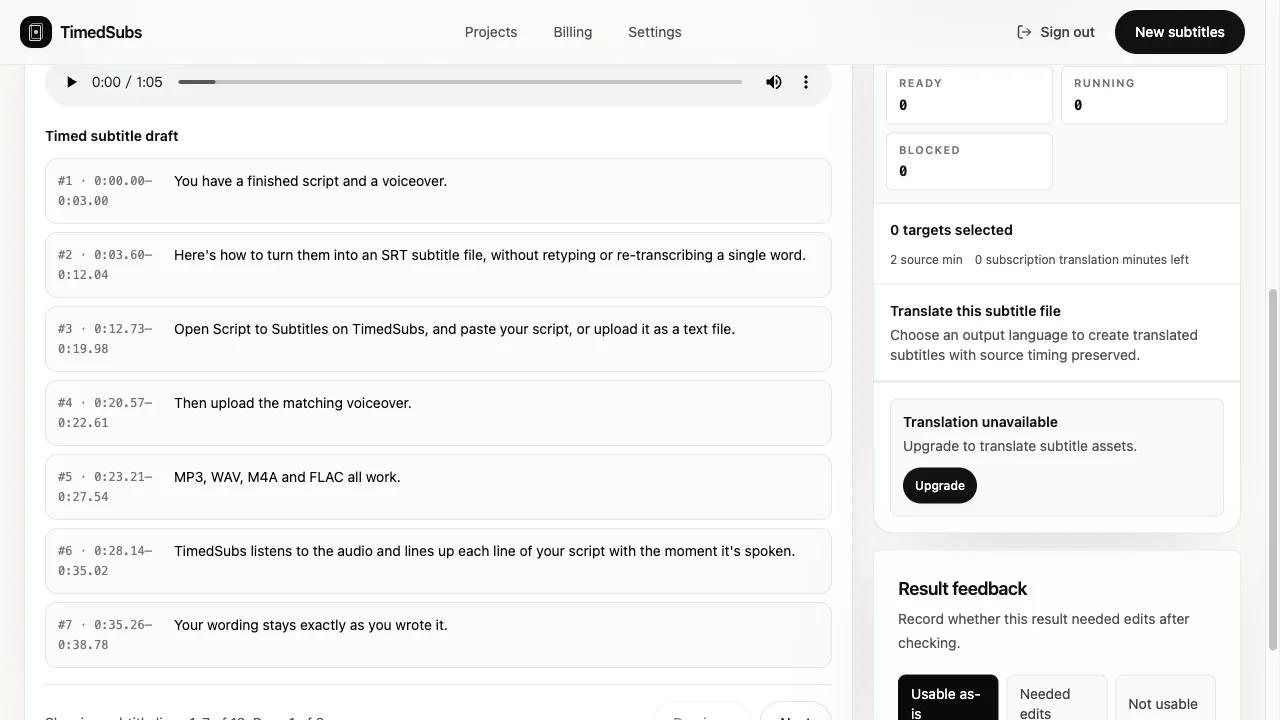
- The draft had 12 subtitle lines. Every line uses my wording exactly as I pasted it; nothing was re-transcribed.
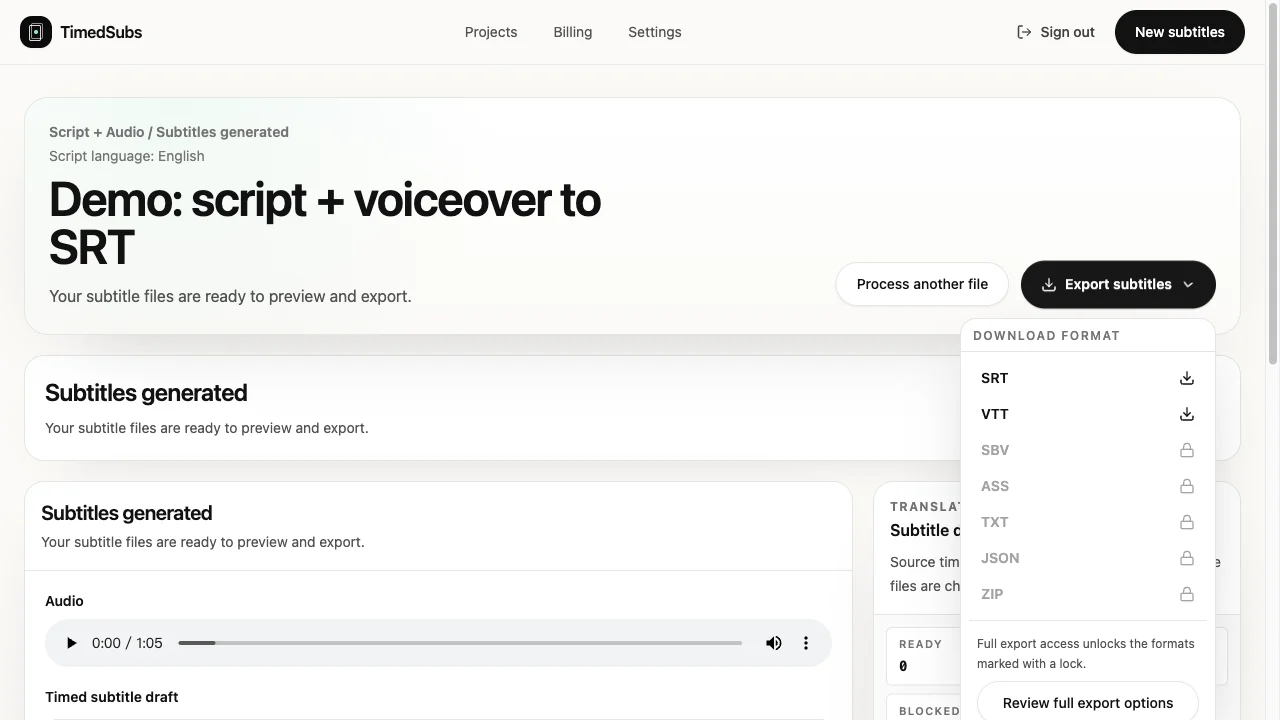
- Opened Export subtitles and downloaded the SRT. On the free plan, SRT and VTT are available; the other formats are marked with a lock.
How close was the timing?
Because I know where each paragraph begins in the MP3, I compared that with the start of the first subtitle line of each paragraph. All seven landed between 0.00 and 0.29 seconds after the paragraph starts in the audio, which is roughly the short silence a text-to-speech clip has before the first word.
You can repeat this check yourself: the script, the MP3, the unedited SRT, and a short Python script that compares them are in a public repository, script-to-srt-demo on GitHub.
Here are the first three lines of the SRT, unedited:
1
00:00:00,000 --> 00:00:03,000
You have a finished script and a voiceover.

2
00:00:03,600 --> 00:00:12,040
Here's how to turn them into an SRT subtitle file, without retyping or re-transcribing a single word.

3
00:00:12,735 --> 00:00:19,975
Open Script to Subtitles on TimedSubs, and paste your script, or upload it as a text file.
One honest observation: line 2 stays on screen for more than eight seconds, because the sentence is long and the tool keeps your sentence together rather than cutting it at an arbitrary point. If you want shorter lines, break long sentences in the script before you upload it. My subtitle readability notes cover how I do that.
What it costs
- Free: 15 Timing Minutes, once per workspace, no credit card.
- One-time pack: 60 Timing Minutes for $6, no subscription, and the minutes do not expire. See pricing.
- This run used 2 minutes.
Limits worth knowing before you try
- You need the final script. This is alignment, not transcription. If the speaker improvised, or you have no script, start with transcription instead.
- The script and audio must match. If part of the audio does not match the script, the result flags that spot instead of quietly guessing.
- You sign in before uploading. Files are attached to your workspace project.
- Line length follows your sentences. As above, long sentences become long lines.
When this is the right tool
It fits when the words are already approved and only the timing is missing: course videos, product demos, narrated explainers, and text-to-speech voiceovers like this one. If that is your situation, you can try it on Script to Subtitles. For a longer example, the public sample shows a 17-minute Spanish voiceover aligned to 2,794 script words across 370 lines.
srt · workflow · pricing
Keep reading
- Generate SRT from Word Timestamps in PythonConvert generic speech-to-text word timestamps into readable SRT subtitles with tested Python, JSON input, segmentation rules, and validation checks.
- Pay-as-you-go subtitle timing, no subscriptionBuy one, two, or three 60-minute subtitle timing packs in a single checkout. No auto-renewal, no expiry, and the same quality checks a plan gets.
- Subtitle readability: valid yet unreadableLine breaks, reading speed, rhythm, and on-screen collisions: the readability layer that validators cannot see, and a practical way to review it in ten minutes.