Subtitle quality
Subtitle quality before export
Show source preservation, subtitle line context, and blocked export reasons before your subtitles reach YouTube, Bilibili, CapCut, or a client folder. The QA check runs as part of the export gate: blocking issues keep the file from being marked ready.
Input: script + audio + generated subtitle timeline
Output: source-vs-timeline comparison and export gate status.
Common quality signal: long lines and high characters-per-second reduce readability.
TimedSubs makes delivery problems visible instead of burying them in a video editor timeline.
Where this workflow fits
Subtitle quality before export
TimedSubs should win when the words are already approved and the remaining work is timing, quality checks, and subtitle asset delivery.
Common searches
Downstream surfaces
Export formats
Workflow proof
- 1
Start from owned inputs
Input: script + audio + generated subtitle timeline
- 2
Expose delivery risk
Common quality signal: long lines and high characters-per-second reduce readability.
- 3
Prepare the handoff
Output: source-vs-timeline comparison and export gate status.
Product boundary
This workflow creates subtitle assets and quality evidence. It supports downstream video work.
FAQ
What does the subtitle QA check cover?
TimedSubs checks for subtitle issues that commonly block delivery: overlapping lines where two subtitles share the same time window, durations that are too short or too long for the text to be readable, incorrect subtitle-line ordering, line lengths that exceed viewer readability limits, and characters-per-second rates that make subtitles pass too quickly. Together, these make up the subtitle QA pass that gates export.
Is quality plan-gated?
Basic quality checks — overlap detection, duration checks, and export gate status — are available on all plans including Free. More detailed quality reporting, batch delivery evidence, and ZIP delivery packaging are features of Studio and Agency plans. If an issue blocks export, it stays visible regardless of plan until it is resolved or the project is re-processed.
Is the QA check the same as the free subtitle checker?
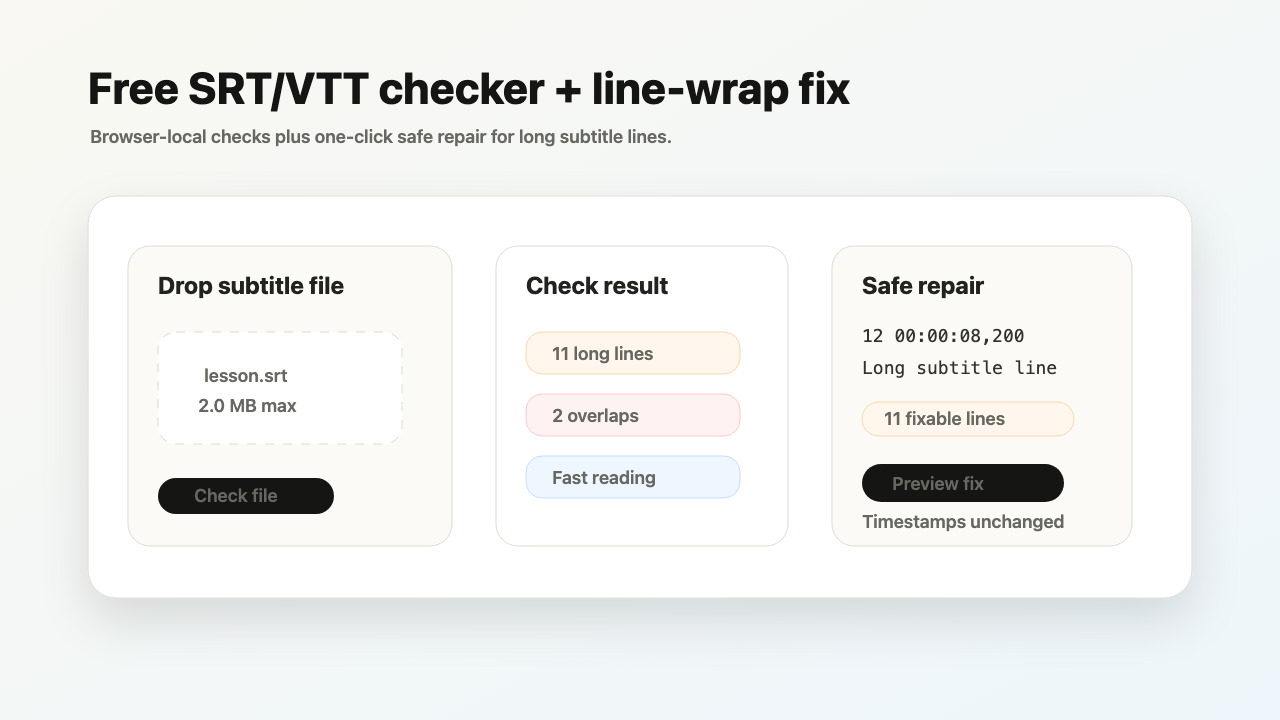
No. The free subtitle checker validates any uploaded SRT/VTT in the browser, while the subtitle QA check runs inside your Script + Audio project against the submitted script before export.